Competitive gamers
What matters is a flat latency curve, not the lowest single reading. Match traffic gets its own queue to cut micro-stutter and dropped inputs.


QuickQ treats every international route like a patient under observation: every few seconds the app measures loss, jitter and queuing delay, then quietly moves you to a healthier exit before things degrade. Windows, macOS, Android, iOS and Linux share one account with up to 3 devices online at once.


Everyone wants "faster", but each group cares about a different number, so we tuned each mode separately.
What matters is a flat latency curve, not the lowest single reading. Match traffic gets its own queue to cut micro-stutter and dropped inputs.
Store dashboards flag unfamiliar logins fast. Commerce mode pins marketplace traffic to one long-lived exit to reduce security checks.
For code hosts, cloud consoles and video calls, steady upload beats peak download, so calls get reserved headroom.
Reach the services you rely on from abroad. Nodes are suggested by distance and live load, no manual speed tests needed.
Every installer is code-signed and served directly by the official site. Open the download center →
No server addresses to type, no protocol settings to learn.
Hit any download button for your system and follow the prompts. A typical PC finishes in about 30 seconds.
Create an account with your email. First-time subscribers get the welcome price automatically at checkout.
Leave Smart Mode on. The app picks the best node for your network and keeps optimizing in the background.
The map highlights a few core hubs. The app weighs physical distance, live load and route health to suggest an entry point, and you can switch between North America, Europe, Asia-Pacific, the Middle East and Oceania any time.

Medians from internal tests in October 2026, for comparison only. Your results depend on your local line.
| From → To | Direct median | QuickQ Smart Mode | Packet loss |
|---|---|---|---|
| Shanghai → Tokyo | 68 ms | 41 ms | 2.1% → 0.3% |
| Guangzhou → Singapore | 92 ms | 47 ms | 3.4% → 0.4% |
| Beijing → Los Angeles | 198 ms | 143 ms | 4.8% → 0.6% |
| Shenzhen → Frankfurt | 246 ms | 178 ms | 5.2% → 0.7% |
Method: same broadband, same time window, sampled continuously for 24 hours, median reported. Figures are refreshed as capacity grows.
Install the app and create an account first; the welcome price applies automatically at checkout.
We think a good network tool is one you forget is running.
QuickQ was started by people who spent years operating carrier backbones and edge sites. After seeing too many routes that looked fast on paper and felt slow in practice, we put stability ahead of speed from day one.
Every node is deployed and inspected by our own team; we don't resell generic capacity. New servers run a 72-hour stress test before going live and are pulled automatically if they misbehave.
Today the network reaches 184 regions with more than 1.8 million installs. No-logs is enforced at the architecture level: servers keep nothing that ties activity to a person.
Heads-up: get installers only from the official site qiickq.com. So-called cracked builds can carry malicious code.
✔ Predictive rerouting — Switches before packets drop, so matches and meetings don't get cut off.
✔ Fixed commerce exit — Keeps store dashboards on one stable address to avoid unusual-login alerts.
✔ Cross-device sync — PC, phone and tablet share one account, settings and favorite nodes.
✔ Real engineers — Tickets go straight to network staff, and maintenance is announced ahead.
✔ Small footprint — Under 40 MB, with zero bundled third-party software.
Not slogans: these are engineering metrics we keep tightening with every release.
Nodes in 184 regions put most users within 50 ms of an entry point, trimming first-hop loss.
Real-time traffic is paced smoothly, so team fights and voice chat stay even.
Candidate routes are scored continuously and swapped silently when quality drops.
Your real IP stays hidden and DNS lookups travel inside the encrypted tunnel.
Native apps on five systems, with 3 devices connected on one account.
Exit reputations are checked and rotated, backed by round-the-clock tickets.
QuickQ Game Mode is optimized for the small, frequent packets of online matches, so every input lands with predictable timing.

At high frame rates, latency swings stay in a narrow band and aim and movement feel responsive.

When the screen is crowded, loss compensation reduces failed casts and rubber-banding.
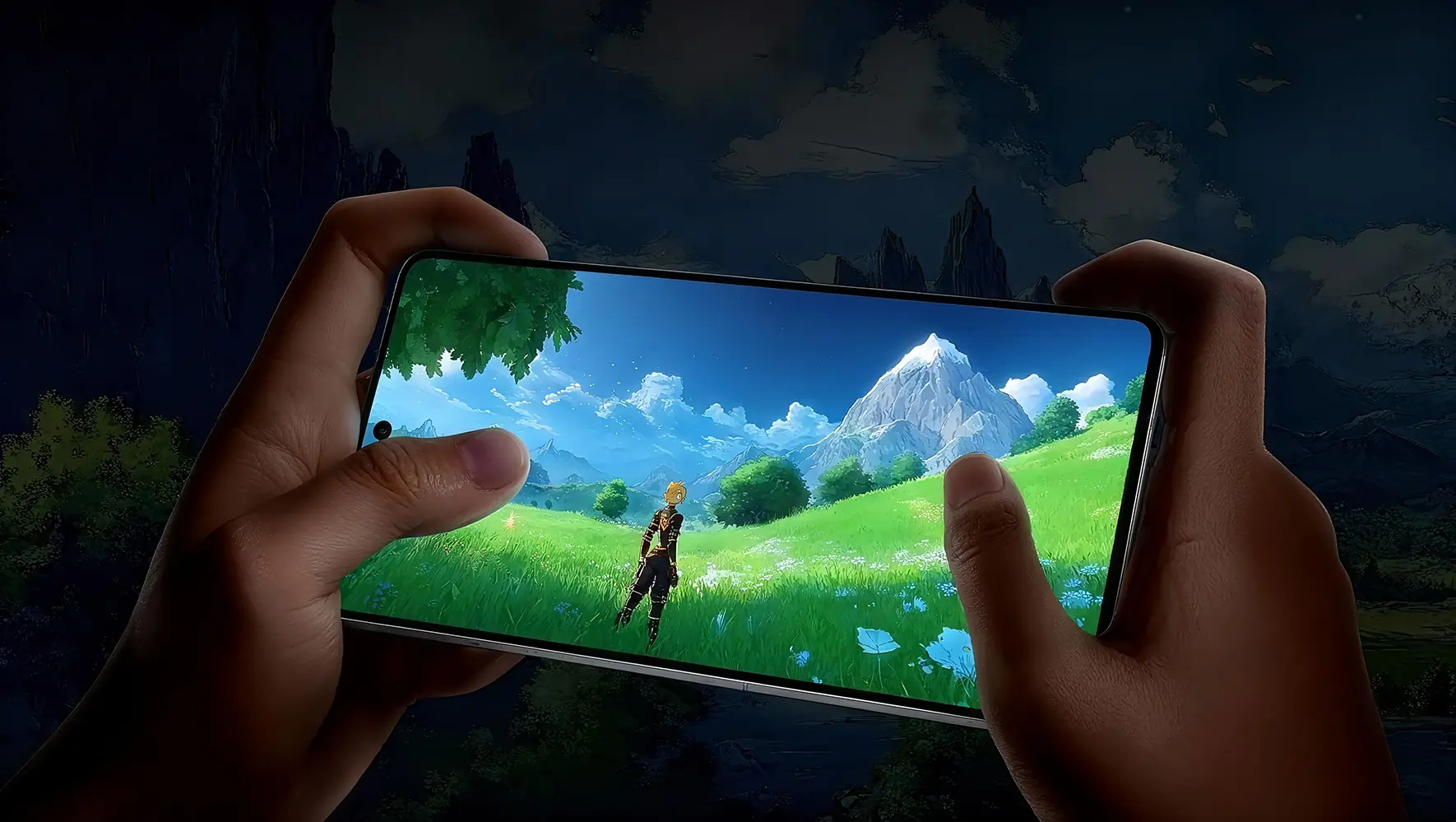
Hours-long sessions don't slowly degrade; long-lived connections get periodic health checks.
QuickQ recognizes major marketplace traffic and keeps it on one stable exit to lower account-risk flags.
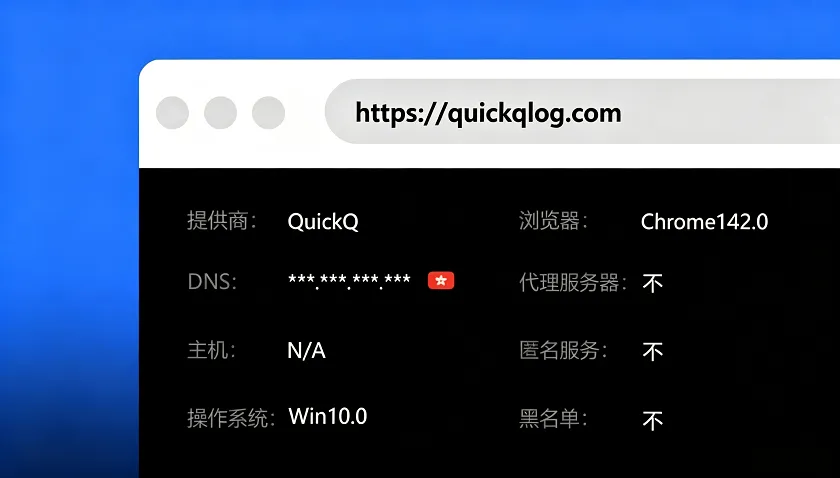
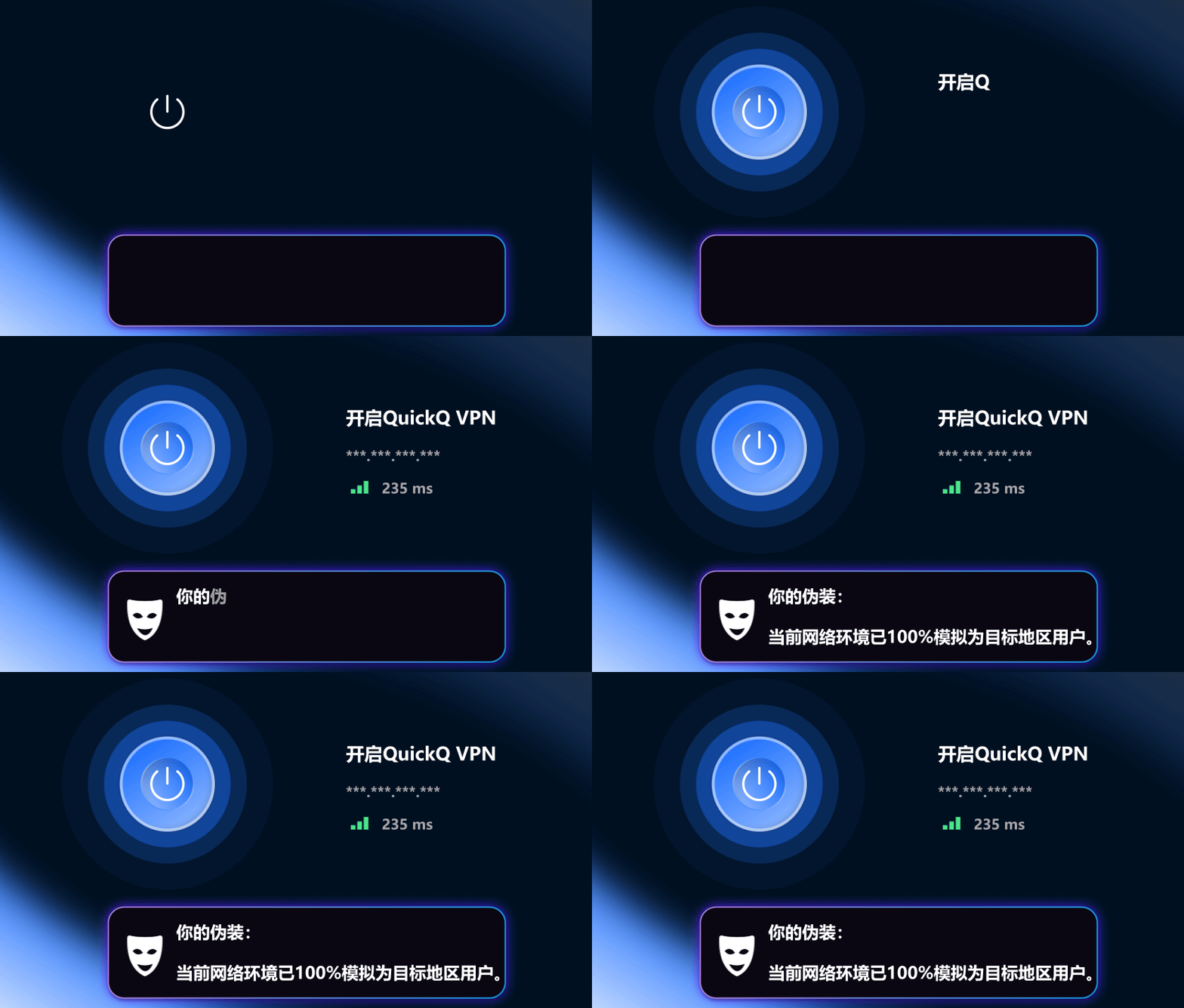
Summarized from the public features of common free tools, to help you decide whether paying is worth it.
| Aspect | QuickQ | Typical free tool |
|---|---|---|
| Node source | Self-run and inspected | Often shared or resold |
| Route switching | Predictive, automatic | Manual disconnect and retry |
| Logging | No-logs by design | Often unstated |
| Ads and bundles | None | Pop-up ads common |
| Devices online | 3 | Usually 1 |
| Human support | 24/7 tickets, EN and ZH | Mostly community forums |
For the curious: the key building blocks of the current release.
AES-256-GCM and ChaCha20-Poly1305, chosen automatically by device hardware to balance security and battery.
If the primary transport is blocked, the app falls back to an alternative so you stay connected.
Traffic is blocked instantly if the tunnel drops, so your address never leaks between reconnects.
Route by app or domain: local services go direct, overseas services go through QuickQ.
“Ranked matches at night used to be a gamble. Now my ping sits around thirty and barely moves.”
“We run several overseas stores. Six months on QuickQ and not a single unusual-login check.”
“Tiny installer, works right away, and pulling repos from overseas is much quicker.”
“Studying abroad, my shows from home stream without buffering and the quality doesn't drop.”
“Our weekly cross-border calls stopped turning into slideshows. Coworkers keep asking what I use.”
“I've tried plenty of these. QuickQ is the only one I set up once and forgot about.”
We ship a stable build roughly once a month. Highlights from the last three:
| Version | Released | Highlights |
|---|---|---|
| v3.4.0 | 2026-11 | Upgraded predictive rerouting; 12 new regions in the Middle East and South America |
| v3.3.2 | 2026-09 | macOS menu-bar mode; about 18% lower background power use |
| v3.3.0 | 2026-07 | Per-app split tunneling; Android quick-settings tile |
See the help center for the full list.
The only official site is qiickq.com. Genuine installers are delivered through its download buttons; avoid third-party file lockers.
The app is free to download and install; connecting to nodes needs an active plan. First-time subscribers get a 7-day no-questions refund.
Up to 3 devices can be online at once in any mix. Signing in on a fourth asks you to log one out.
No. Servers don't record the sites you visit, what you transfer or for how long, and we never sell user data.
Switch back to Smart Mode first. If it's still slow, pick a lower-latency region from the list or open a ticket and an engineer will help.